WCAG 2.2 implementation: the new criteria and how to meet them
Web accessibility ensures that all users, regardless of their abilities, have equal access to online content. The Web Content Accessibility Guidelines (WCAG) 2.2, published in October 2023, introduced new success criteria aimed at improving user experience for people with disabilities. These guidelines are essential for creating inclusive websites. Failing to address accessibility can lead to frustrated users, legal challenges, and lost business opportunities. Understanding WCAG 2.2 is the foundation for building compliant and user-friendly websites that serve everyone.
Key changes in WCAG 2.2#
WCAG 2.2 builds on WCAG 2.1 and WCAG 2.0 by adding nine new success criteria. Here are the most significant additions that impact your development work:
Focus Appearance (Minimum)#
This criterion ensures that focus indicators are clearly visible, making it easier for users relying on keyboard navigation to identify which element they are interacting with. Visible focus outlines help people who cannot use a mouse and those using assistive technologies. For a deeper understanding of keyboard navigation fundamentals, read about keyboard navigation and focus management.
Dragging Movements#
Users should be able to complete key tasks without relying solely on drag-and-drop functionality. Some users with motor impairments find dragging difficult or impossible, so providing alternatives is essential.
Accessible Authentication#
This guideline reduces cognitive demands during login processes. It encourages authentication methods like biometric identification, hardware tokens, or password managers instead of requiring users to recall complex passwords.
Consistent Help Mechanisms#
Users should be able to easily find help content when needed, regardless of where they are on your website. A persistent help button across all pages ensures consistent support.
For a complete list of all new criteria, refer to the official W3C WCAG 2.2 documentation.
Applying WCAG 2.2 in your web projects#
To implement WCAG 2.2, developers need to consider both front-end and back-end practices. Your focus should be on making interactive elements, dynamic components, and authentication flows more accessible. As you build or update your website, pay close attention to how users navigate and interact with your content.
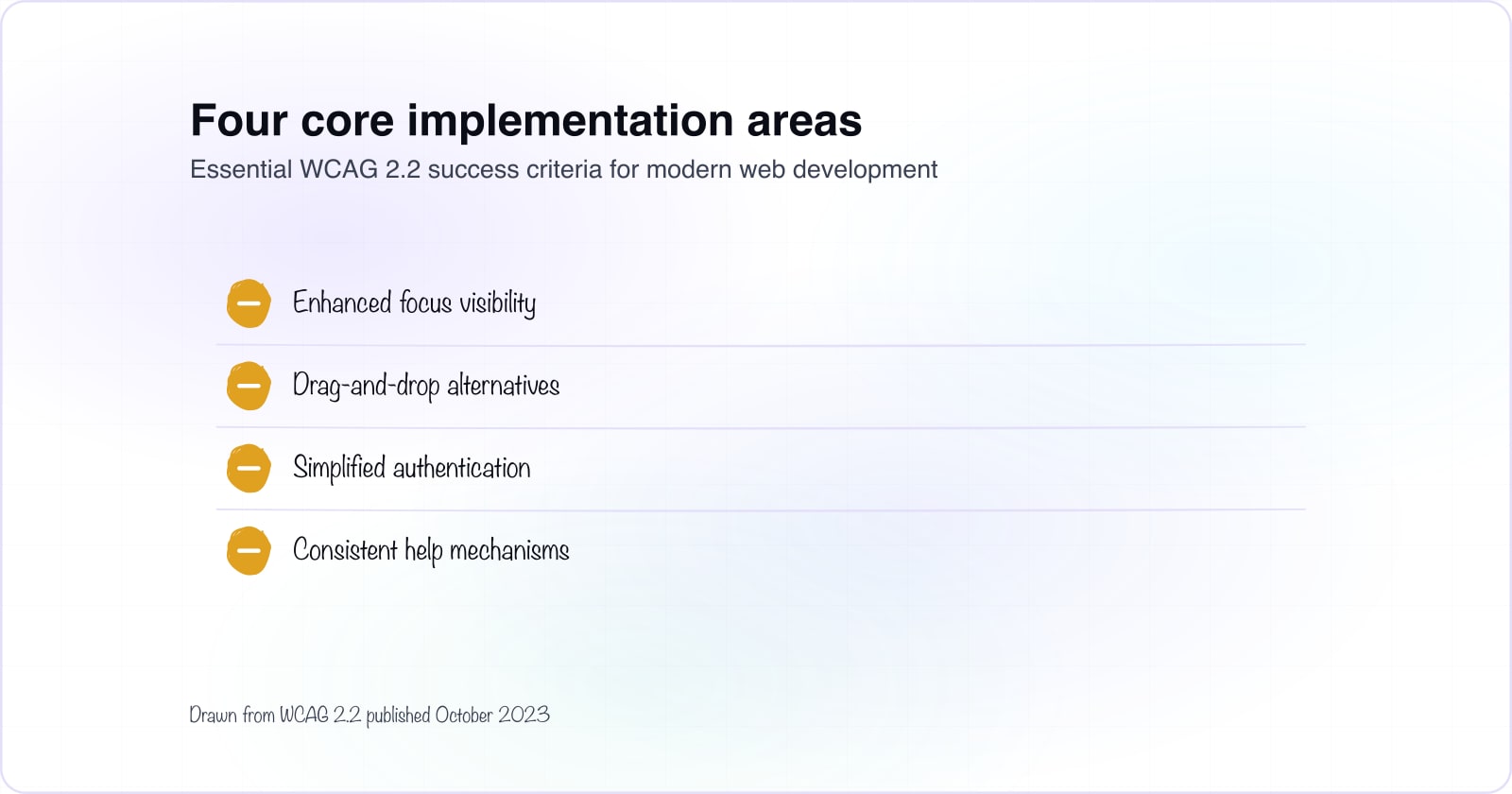
1. Enhanced focus visibility#
Make focus indicators more visible by ensuring buttons, links, and interactive elements have a clear outline that meets WCAG 2.2 standards. This is crucial for keyboard users who need to see which element they are interacting with.
button:focus, a:focus {
  outline: 3px solid #005fcc;
  outline-offset: 2px;
}
This code adds a clear 3-pixel solid outline with a 2-pixel offset, helping users identify focused elements easily. Test your focus indicators at different zoom levels and on various devices.
2. Support for dragging movements#
Do not require users to use drag-and-drop functionality to complete key tasks. Provide alternatives such as allowing users to navigate with arrow keys or offering simple buttons to select and place items.
<button onclick="moveItemUp()">Move Item Up</button>
<button onclick="moveItemDown()">Move Item Down</button>
This ensures that users who cannot drag items can still interact with your content effectively. Offer multiple interaction methods for the same task.
3. Simplified authentication#
The Accessible Authentication guideline focuses on reducing cognitive demands during login. Allow users to log in using biometric methods, hardware tokens, or password managers. Minimize CAPTCHA challenges or offer accessible alternatives. When designing login forms, ensure they meet best practices described in accessible forms guidance.
<p>Use your device's biometric authentication to log in:</p>
<button onclick="startBiometricAuth()">Log in with Fingerprint</button>
Biometric authentication reduces reliance on memory and makes login faster for everyone. If you must use CAPTCHA, provide accessible alternatives like simple image selection tasks.
4. Consistent help mechanisms#
WCAG 2.2 requires consistent help mechanisms across your pages. Users should find help content easily, regardless of where they are on your site. A persistent help button on every page ensures consistent support.
<button onclick="openHelpModal()" aria-label="Get help">Help</button>Ensure the help button is keyboard-accessible and clearly labeled for screen readers. Test that it functions identically across all pages and works with assistive technologies.
Tools and strategies for testing compliance#
While implementing WCAG 2.2, verify compliance using both automated tools and manual testing. Automated tests cover only 30-40 percent of potential accessibility issues, so human review is essential.
- Use the Axe Browser Extension for real-time accessibility testing as you develop
- Run WAVE to visually identify accessibility issues on your pages
- Use Lighthouse in Chrome DevTools to evaluate your website accessibility score
- Conduct manual testing with users who have disabilities to catch what automated tests miss
- Test keyboard navigation by using Tab, Shift+Tab, and arrow keys
- Verify focus indicators at different zoom levels and screen magnifications
Manual testing with real users is where you discover usability issues that automated tools cannot detect. Consider recruiting testers who use assistive technologies to validate your implementation.
Transitioning from WCAG 2.1 to WCAG 2.2#
For websites already compliant with WCAG 2.1, transitioning to WCAG 2.2 may not require major work. Focus on implementing the nine new success criteria and verifying that all interactive components align with updated guidelines.
Steps for a smooth transition#
- Review all focus indicators to ensure sufficient visibility across your site
- Audit your authentication flows and remove unnecessary cognitive burdens
- Add alternatives for any drag-and-drop interactions
- Implement consistent help mechanisms if you have not already
- Test your changes with both automated tools and manual testing
If you need to support both WCAG 2.1 and 2.2, prioritize the new criteria. Most changes that make your site WCAG 2.2 compliant will also improve the overall user experience for everyone.
Benefits of implementing WCAG 2.2#
Adhering to WCAG 2.2 delivers multiple benefits beyond regulatory compliance. Your website becomes more usable for everyone, including people with disabilities, older users, and those on slower devices.
Improved user experience#
Accessible websites work better for all users. Clearer focus indicators, keyboard navigation, and simplified authentication benefit everyone, not just people with disabilities.
Legal compliance#
Compliance with WCAG 2.2 helps mitigate the risk of lawsuits and ensures adherence to regulations like the Americans with Disabilities Act (ADA) and the European Accessibility Act. These standards are becoming increasingly enforceable.
Enhanced SEO#
Accessible websites typically have better structure and clearer semantics, making them easier for search engines to crawl and index. Better structure can contribute to higher search rankings.
Reaching a wider audience#
An estimated 1 billion people worldwide experience disability. Making your website accessible means you can reach and serve a much larger audience.
Getting professional support#
If you need guidance implementing WCAG 2.2, professional accessibility consultants can help. Whether you are building a new site or auditing an existing one, expert review ensures you meet standards and serve all users well.
For new projects, accessibility planning during the design and build phases prevents costly rework later. For sites already live, a WCAG compliance audit identifies gaps and prioritizes fixes. Learn more about how accessibility integrates into your development process, or see how to maintain accessibility as you scale your platform.
At Atyantik Technologies, we are committed to building websites that work for everyone. Reach out if you need support making your projects WCAG 2.2 compliant.