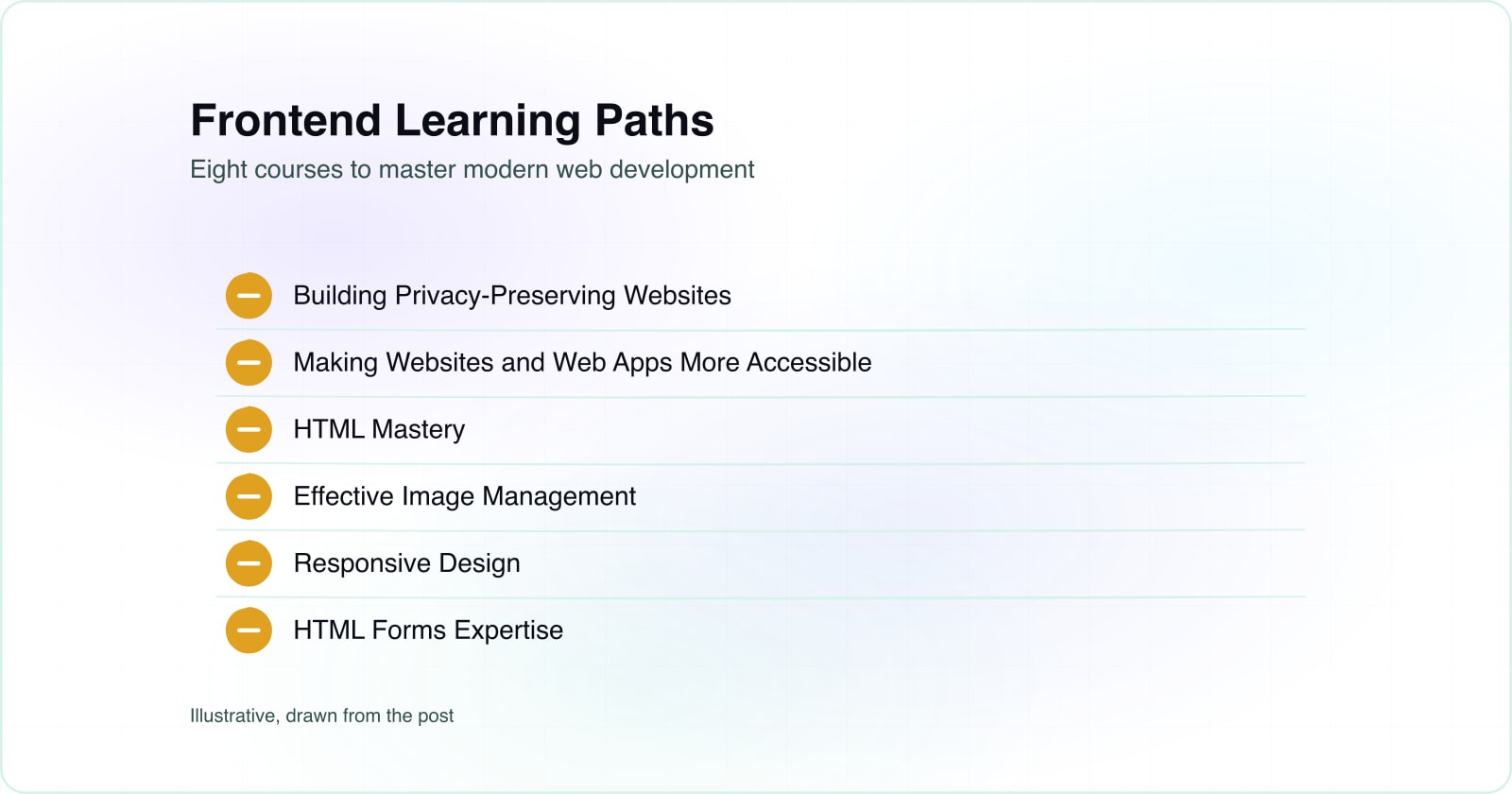
Web.dev offers a structured learning path for frontend developers
Technology moves fast, and staying current matters for frontend developers. Web.dev offers structured courses written by industry experts and the Chrome team. These learning paths cover the fundamentals and go deeper, from HTML to progressive web apps. You can follow them in order or jump to topics that interest you.
Building Privacy-Preserving Websites#
Data privacy concerns grow every year, making privacy literacy essential for developers. Building websites that respect user privacy is now a core skill, not a nice-to-have. The web.dev privacy course teaches you to create more secure and trustworthy platforms. You learn how to handle data responsibly while meeting user expectations. This foundation helps you build user confidence in your applications.
Making Websites and Web Apps More Accessible#
Web accessibility is both a legal requirement and a responsibility for developers. This course introduces the fundamental principles of accessible websites and web apps. You'll learn to cater to users with varying abilities and assistive technologies. Digital inclusivity becomes part of your development practice from the start. The course covers techniques that let you reach a broader audience and meet accessibility standards.
HTML Mastery#
HTML is the foundation that every website and web app rests on. Web.dev's HTML course provides a complete guide for developers at all skill levels. Beginners start with the fundamentals and build from there. Experienced developers often find gaps they unknowingly skipped along the way. Everyone gains clarity on what HTML can do and the right way to use it. The course covers everything from semantic markup to form handling.
Effective Image Management#
A website's visual appeal and performance both depend on how well you manage images. This course covers choosing the right image formats for different situations, implementing responsive images that work across devices, and optimization techniques for speed. You'll enhance both the aesthetics your visitors see and the experience they feel. Fast-loading images matter for both user satisfaction and search engine rankings. Performance optimization through images is one of the highest-impact areas for web development.
Responsive Design#
Multi-device browsing has become the default way people use the web. Responsive design teaches you to build websites that look great and work well on any screen size or device. You learn to adapt layouts and content for phones, tablets, and desktops. Mobile-first design patterns are covered in depth, helping you prioritize the mobile experience. The course shows you how to handle diverse screen sizes and orientations with confidence.
HTML Forms Expertise#
HTML forms are fundamental to any interactive website where users need to submit data. This course helps you build efficient, user-friendly forms that actually work. You'll learn how to handle user input correctly and improve the submission experience at every step. Good forms increase conversions and reduce user frustration. The course covers everything from basic input types to validation and accessibility considerations for forms.
Progressive Web App Development#
Progressive web apps represent the forefront of modern web development, combining the best features of web and mobile applications. This course breaks down every aspect of PWA development into understandable pieces. You learn to build fast, reliable experiences that work even when the connection is offline. Service workers, app manifests, and installation flows are covered thoroughly. Native-app-like functionality becomes achievable with web technologies, opening new possibilities for your projects.
CSS: Decoding the Mystery#
CSS makes websites look stylish and appealing, transforming plain markup into visually compelling experiences. Web.dev breaks complex CSS concepts into digestible episodes that build understanding over time. You'll cover topics ranging from accessibility and color to advanced concepts like z-index and stacking contexts. The course goes beyond just styling and teaches you how CSS layouts work. Your websites become more visually compelling and performant as your CSS skills grow stronger.
Building Your Frontend Skills#
These learning paths from web.dev provide a solid foundation for modern frontend development. Whether you're just starting or enhancing existing skills, web.dev's courses offer the knowledge you need. The journey to becoming a skilled frontend developer is continuous. As you grow your capabilities, learning how users actually experience your work becomes essential. Resources like UI and UX design principles and guides on accessibility testing methods complement technical learning. These courses support your journey every step of the way.